
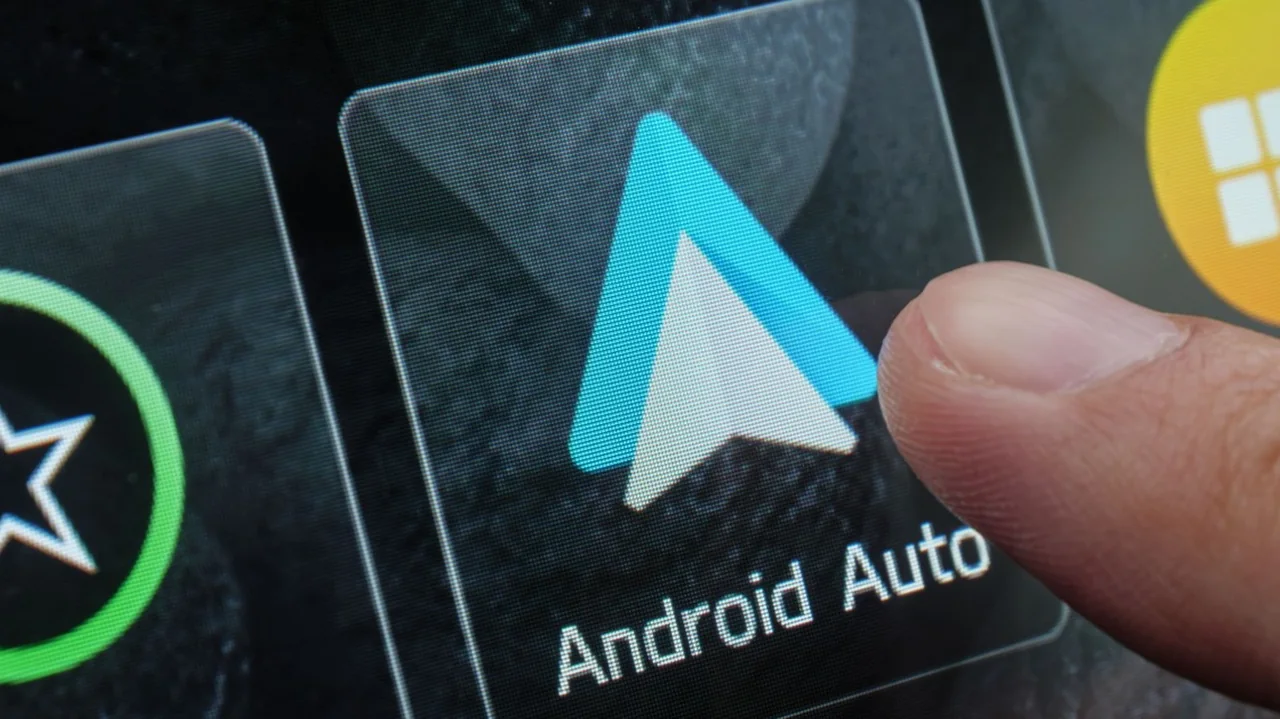
The frustration of an Android Auto disconnection while driving down the road is a common problem among users. However, this issue may be more easily solvable than thought, and it often comes down to the quality of the USB cable used. Many users rely heavily on Android Auto as a key feature in their vehicle, but poor connection quality can ruin the experience.
Google provides some general guidance for choosing a USB cable, stating that it should be 'high-quality,' but this term is somewhat vague. In reality, a high-quality USB cable should be able to handle at least 480 megabits per second (Mbps) and have sufficient shielding to protect against interference.
Braided cables are often preferred due to their good shielding properties and sturdiness. Additionally, the length of the USB cable can impact performance - in many cases, shorter cables are better for both power and data transfer.
Compatibility is also crucial when it comes to choosing a USB cable. It must be compatible with your smartphone, Android Auto radio, and car, as using one device may not guarantee compatibility with others.
One of Google's recommendations is that the cable should not exceed 3 feet in length. This is because longer cables can create resistance, which can negatively impact performance.
It's also essential to ensure that the USB cable you choose can handle data transfer, as some cables are only capable of charging. If your phone charges but Android Auto doesn't work, this may be the issue.
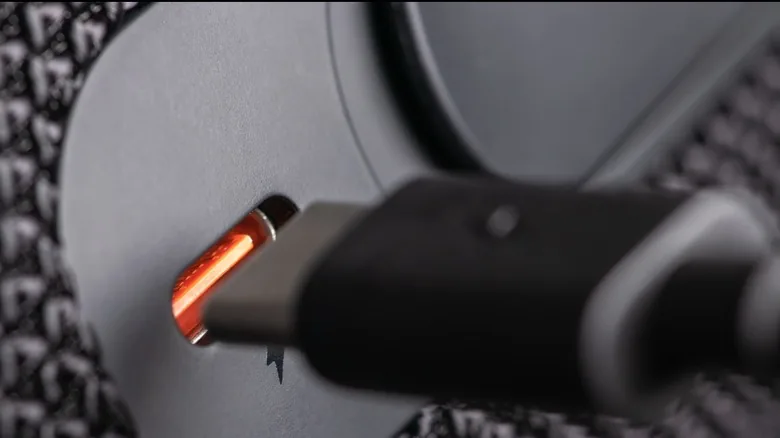
The type of USB cable can also make a difference - using a faster standard like USB 3.2 can provide faster transfer speeds, but it's essential to match the correct ports and cords for optimal performance.
Ultimately, choosing the right USB cable can be more complicated than expected, but it's crucial for a smooth Android Auto experience. By following these guidelines and selecting a high-quality cable, users can minimize connection issues and enjoy a seamless driving experience.
Choosing the right USB cable can be more complicated than expected, but it's essential for a smooth Android Auto experience.